The Ultimate Year-End Checklist for SMBs
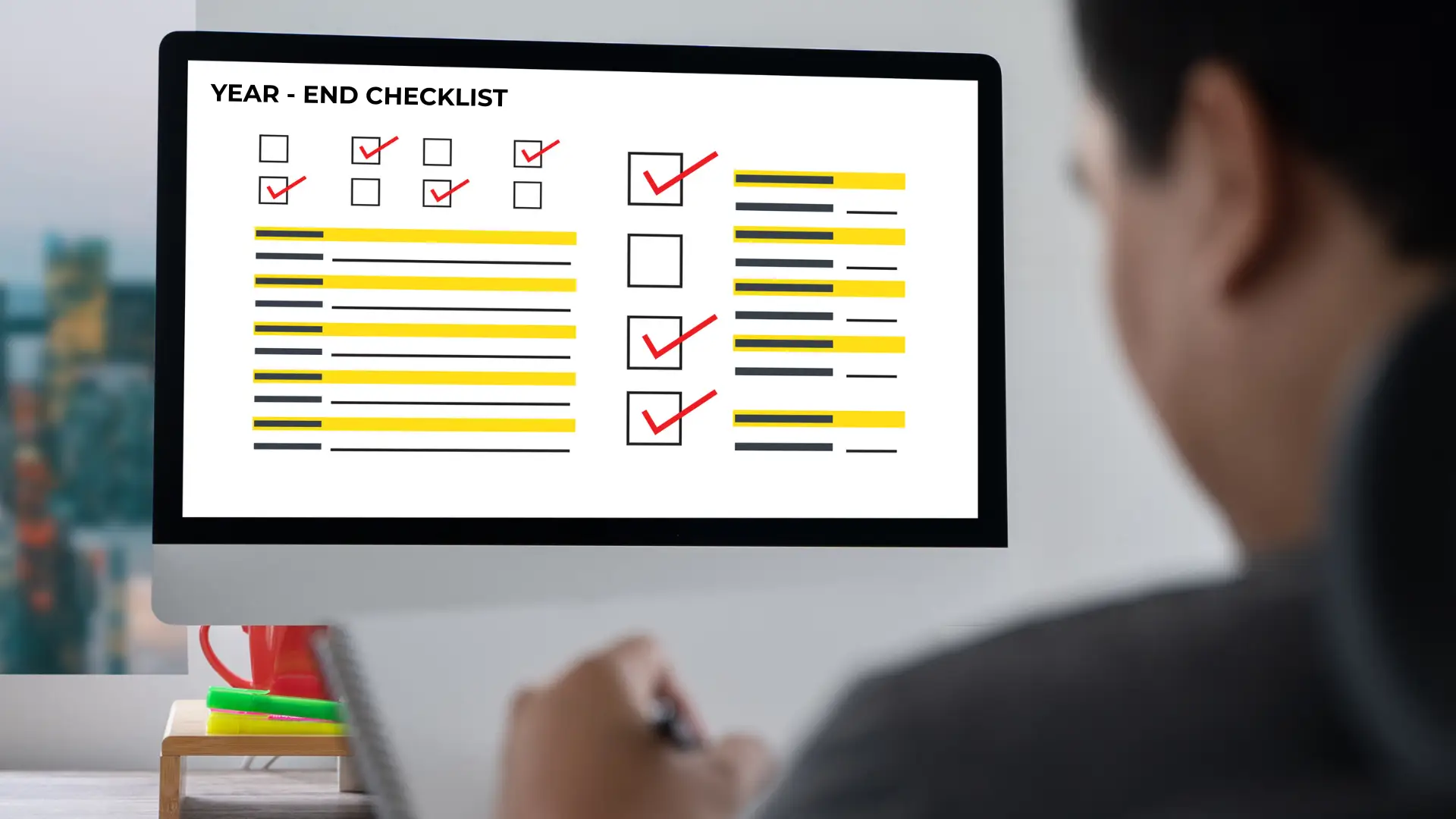
The end of the year is more than just turning the final page of a calendar — it’s an opportunity to reset, refresh, and strengthen the foundation of your business. For many small and medium-sized businesses, this period becomes a balancing act of closing accounts, reviewing performance, preparing for holiday closures, and planning for the upcoming year. But aside from the admin and celebration, it’s also the perfect time to make sure your systems, security, and digital operations are ready for the demands of 2026.
No matter if you’re successful, just starting out, or getting ready up for a new project, having a detailed year-end checklist guarantees that all essential tasks are covered. By improving your security protocols, updating your technology, organising your storage, and evaluating your network capabilities, you can ensure your business is well prepared for a smooth and secure start to the new year.
This guide takes you step-by-step through essential year-end tasks for business owners — straightforward, actionable, and designed to ensure you operate safely and effectively.
Strengthening Security: Your First Line of Defence
Ensuring security remains a top priority as the year comes to a close. Threats are constantly changing, and small businesses find themselves as prime targets due to their busy and stretched resources. Taking a moment to assess your physical and digital security as the year wraps up guarantees that your doors, data, and operations stay secure.
CCTV & Remote Monitoring
Ensure that your CCTV system is operational by verifying that all cameras are working properly, capturing clear footage, and monitoring key locations. Ensure that:
- Footage is sharp both day and night.
- Motion alerts are enabled and tested.
- Storage isn’t full or failing.
- Entrances, exits, and high-risk areas are properly monitored.
Remote viewing should operate seamlessly, enabling you to monitor your area even during closures or holiday breaks.
Access Controls
Access controls are easy to forget about until there’s a problem. Year-end is the perfect time to review who has access to your building.
- Remove access for past employees.
- Update entry codes and keys.
- Review access logs for any unusual patterns.
- Ensure all locking systems are functioning properly.
Software Updates & Security Patches
Outdated systems are a leading cause of cyber incidents. Your year-end tasks should include:
- Updating operating systems across all devices.
- Installing the latest security patches.
- Reviewing antivirus logs.
- Removing unsupported or unused software.
Data Backups & Recovery
Backups and recovery are only useful if they actually work. Before the year ends:
- Confirm your backups run automatically.
- Test restoring files.
- Check backup hardware or cloud capacity.
- Ensure important data is included (emails, documents, financials).
This is also a good time to review your business continuity plan so you know exactly how operations would recover from a major incident.
System Maintenance, Network Security
Your systems and networks handle the essential tasks that keep your daily operations running smoothly. As they slow down, your team follows as well. A year-end tune-up is essential for keeping performance at its best and avoiding unexpected downtime..
Software Updates & Hardware Checks
Over time, technology builds up clutter, outdated drivers, and performance drag. A thorough year-end check includes:
- Updating all software and drivers.
- Testing device battery health.
- Clearing dust from equipment for proper airflow.
- Reviewing warranties and support agreements.
- Monitoring storage and clearing unnecessary files.
These small checks help extend your devices’ lifespan and keep everything running efficiently.
Network Security
A strong, secure network is essential for productivity. Your year-end review should include:
- Updating modem, router, and switch firmware.
- Changing Wi-Fi passwords if they haven’t been updated in a while.
- Reviewing guest network restrictions.
- Checking for unusual activity in network logs.
- Ensuring your firewall is configured correctly.
When experiencing a slow or inconsistent network, the real problems could come from congestion, poor cabling, or outdated equipment. Identifying these problems early on makes them much simpler to resolve.
Storage Clean-Up & Digital Organisation
As time passes, digital clutter accumulates, reducing system performance, reducing productivity, and introducing unnecessary chaos into your workflows. The end of the year presents a perfect opportunity to organise your digital space by eliminating old files, getting rid of duplicate documents, organising shared drives, archiving emails, and removing outdated software or browser extensions. Now is the perfect moment to clear out recycled bins, refine folder structures, and make sure that all digital storage is arranged to enhance efficiency instead of contributing to the mess.
Investing time in digital organisation today leads to well-structured, user-friendly systems that enhance productivity for you and your team. Creating habits like consistent names, regular file archiving, and appropriate access permissions helps your digital environment run more smoothly, minimises time spent searching for documents, and prepares you for a more productive and organised year ahead.
Tech Upgrades: A Productivity Booster for the New Year
As technology gradually slows, it impacts the speed, accuracy, and overall productivity of your team. The conclusion of the year presents a perfect opportunity to evaluate if your existing devices and systems continue to fulfil your operational requirements. When your computers start to lag, freeze, or unexpectedly restart, or if they can’t handle crucial updates anymore, it’s a clear sign that the hardware is nearing its breaking point. Blurry CCTV footage, persistent storage shortages, and increasing team needs indicate that your existing technology might not be meeting your everyday demands anymore.
Upgrading to modern laptops, desktops, CCTV systems, and networking equipment enhances performance while also elevating security and reliability throughout your business. Modern devices are designed to support modern software, operate with greater efficiency, and seamlessly connect with business tools, enabling your team to enhance productivity and work more intelligently. Year-end upgrades empower your team to kick off the new year with tools that boost productivity and promote future growth, instead of slowing progress.
How ICTechnology Can Support You
When the year-end checklist seems overwhelming, partnering with the right technology can simplify the process. ICTechnology offers full IT support to ensure businesses wrap up the year seamlessly and go into 2026 with assurance, providing solutions customised to your operations, industry, and goals.
Our team enhances your physical and digital security with outstanding CCTV systems, access control solutions, and modern monitoring setups. We carry out thorough system maintenance checks, performance evaluations, and network enhancements to guarantee that your Wi-Fi, devices, and infrastructure remain dependable, secure, and functioning at their best. For companies prioritising data protection, we provide organised cloud backup solutions, disaster recovery strategies, and upgrades to cyber security aimed at securing your information and ensuring your operations remain robust.
Our team also provides expert guidance on important hardware upgrades, covering everything from modern laptops and desktops to improved CCTV and networking gear. Let ICTechnology handle the heavy lifting so you can concentrate on your business, your clients, and your growth — knowing that your technology is secure, streamlined, and prepared for the new year.
A Complete Wrap-Up: Preparing for a Confident Start to 2026
A strong year-end checklist ensures your business begins the new year on solid ground. When your security is reinforced, your systems are maintained, your digital environment is organised, and your technology is ready, your team enters the new year with clarity, confidence, and momentum. This is also the best time to review what worked well, identify gaps, and make the operational changes that will help shape a more efficient and productive year ahead.
When you have the right preparations set, the new year transforms into a chance rather than a chaotic rush. As you prepare for 2026 with optimism, a secure, efficient, and forward-thinking technology landscape awaits you. Let ICTechnology guide you in achieving this vision. Get in touch with us today to set your business up for a more robust, secure, and efficient new year ahead.
Interested in a Quote and Consultation? Reach out to:
[email protected]
Need End-Year Check Up? Please reach out!
[email protected]
Any other enquiries?
Fill out our Contact Form here.
References
Australian Cyber Security Centre. (2023). Small business cyber security guide. https://www.cyber.gov.au
HP Australia. (2023). Why upgrading your business hardware matters. https://www.hp.com
Microsoft. (2023). Protect your business: Security essentials. https://www.microsoft.com
Office of the Australian Information Commissioner. (2023). Guide to securing personal information. https://www.oaic.gov.au
Queensland Government Business Portal. (2023). End of year business planning and checklists. https://www.business.qld.gov.au