How Integrated Networks Improve Productivity and Reduce Downtime
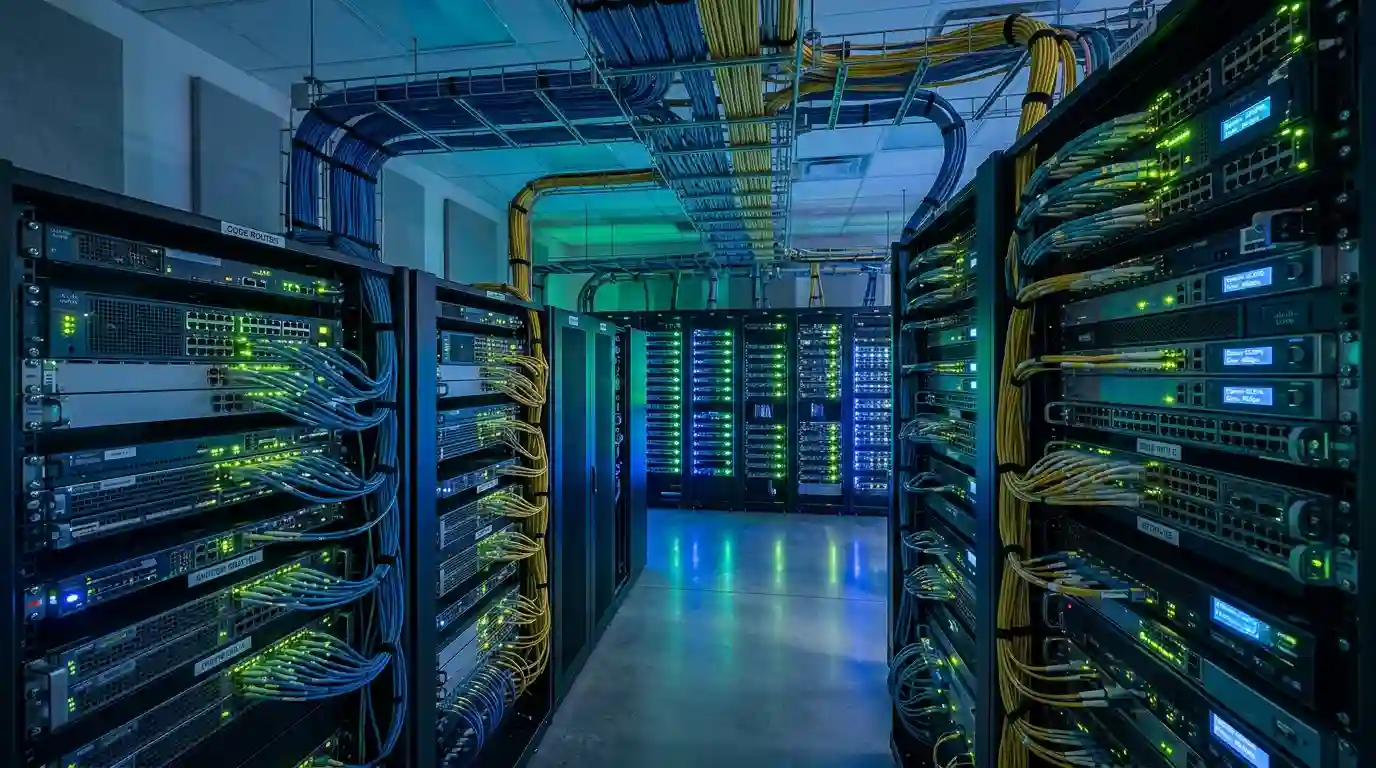
For many small and medium businesses, technology grows in layers, such as integrated networks.
At ICTechnology, our team often sees how these layers develop over time. Businesses adopt new tools and systems as they grow, each one solving a specific need at the moment. Whether it is improving connectivity, adding cloud services, strengthening security, or supporting remote work, these decisions are usually practical and necessary. Over time, however, these separate solutions can become harder to manage as a whole.
A business starts with a basic internet connection. Then a few more staff join, so extra WiFi access points are added. Cloud storage comes next. Then a phone system, a security solution, a backup platform, remote access, a customer management system, and maybe a few industry-specific applications. Each addition makes sense at the time.
The problem is that, after a few years, the network can start to feel like a collection of separate parts rather than one connected system.
The internet may be handled by one provider. WiFi may have been installed by someone else. Cloud services may be managed separately. Security settings may not align across devices. Staff may work around slow systems instead of reporting them. When something goes wrong, nobody is completely sure where the issue starts or who is responsible for fixing it.
This is where productivity starts to suffer.
An integrated network brings WiFi, connectivity, cloud systems, security, monitoring, and management together into a more unified environment. Instead of treating each part of the business network as a separate item, integration looks at how everything works together.
For business owners, managers, and growing teams, this matters more than ever. A modern business does not just need the internet to “work”. It needs the right systems to communicate smoothly, support staff properly, protect data, and reduce avoidable downtime.
The Hidden Problem With Fragmented Networks
A fragmented network is not always obvious at first.
The business may still be operating. Emails still send. Staff can still access files. Customers can still call. On the surface, everything may seem fine.
But underneath, small issues can build up.
One team may have strong WiFi while another area of the office struggles with dropouts. Staff may save files in different places because cloud access is inconsistent. Video calls may freeze during busy periods. A printer may regularly disconnect from the network. A point-of-sale system may slow down when the guest WiFi is busy. Remote workers may experience login issues because security settings are not properly aligned.
None of these problems may seem dramatic on their own. But together, they chip away at productivity.
A five-minute delay here, a dropped call there, a system restart, a failed upload, a staff member waiting for access, a customer kept on hold — these small interruptions can quietly become expensive.
For small and medium businesses, time is one of the most valuable resources. When staff are constantly working around technology problems, the business loses more than minutes. It loses focus, momentum, and confidence.
Fragmentation also makes troubleshooting harder. When the network is made up of disconnected systems, IT support often has to investigate multiple areas before finding the real cause. Is the issue the internet connection? Is it the WiFi? Is it the device? Is it the cloud application? Is it a security setting? Is it a cabling issue?
Without integration, every problem can become a guessing game.
What Is an Integrated Network?
An integrated network is a connected technology environment where key business systems are designed, configured, and managed to work together.
This may include:
- Business-grade WiFi
- Internet connectivity
- Cloud services
- Firewalls and cyber security tools
- Switches, routers, and cabling
- Remote access systems
- Backup and recovery solutions
- Voice and communication platforms
- Monitoring and support tools
The goal is not simply to have more technology. The goal is to make technology work as one reliable foundation.
A good integrated network allows staff to move between applications, devices, and locations with fewer disruptions. It gives managers better visibility over performance. It makes it easier to detect faults early. It also reduces the number of weak points across the business.
Think of it like a well-designed road system. If every road is planned separately, traffic becomes messy. Bottlenecks appear. Drivers get frustrated. Deliveries run late. But when the roads, traffic lights, signs, and access points are planned as one system, movement becomes smoother.
Your business network works the same way.
How Integrated Networks Improve Productivity
Productivity is not only about working faster. It is about removing the friction that slows people down.
When the network is properly integrated, staff can access what they need without constant interruptions. Files open faster. Cloud applications respond more reliably. Video calls are clearer. Communication between teams becomes easier. Devices connect more consistently. Security does not become a barrier to everyday work.
This is especially important for businesses that rely on cloud-based tools. Many businesses now use cloud platforms for accounting, customer management, file storage, project management, communications, bookings, design tools, and industry-specific software. If the connection between the office network and cloud services is weak, staff feel it immediately.
Integrated networks help by ensuring that WiFi, connectivity, and cloud access are planned together. This means the network is not just built for today’s number of users, but also for the way the business actually operates.
For example, a medical clinic may need reliable access to booking systems, digital records, imaging equipment, EFTPOS, phones, and secure guest WiFi. A warehouse may need stable connectivity for barcode scanners, inventory systems, office staff, and security cameras. A professional services firm may need secure cloud access, strong video conferencing, shared files, and remote work support.
Each business uses technology differently. Integration helps match the network design to the real workflow.
When staff stop fighting with slow systems, they can focus on their actual work. That is where productivity improves.
How Integration Helps Reduce Downtime
Downtime is one of the most frustrating technology problems because it often affects more than one person.
When a network goes down, staff may be unable to access files, send invoices, process payments, take bookings, answer calls, or serve customers properly. Even partial downtime can create pressure across the business.
The challenge is that downtime is not always caused by one big failure. It can come from many smaller weaknesses, such as outdated hardware, poor WiFi coverage, overloaded internet connections, misconfigured cloud access, weak backup processes, or unmanaged devices.
An integrated network reduces downtime by improving visibility, planning, and control.
When systems are connected and monitored properly, issues can often be detected before they become major disruptions. If a device is overloaded, a connection is unstable, or hardware is reaching the end of its life, the business can act earlier.
Integration also helps reduce confusion during an outage. With a unified network design, IT support can see how systems connect and identify the source of the issue more quickly. This can reduce the time spent diagnosing problems and help the business return to normal operations sooner.
For many businesses, the aim is not just to fix downtime after it happens. The better approach is to reduce the chance of downtime happening in the first place.
Better Collaboration Across Teams and Locations
Modern businesses rarely operate from one desk anymore.
Even small teams may have staff working from the office, home, client sites, warehouses, clinics, showrooms, or vehicles. Some businesses have multiple locations. Others rely on contractors, suppliers, or external partners who need secure access to shared systems.
When networks are fragmented, collaboration becomes harder. Staff may struggle to access shared files. Remote workers may have inconsistent performance. Communication tools may not work reliably. Different locations may use different setups, making support and management more complicated.
Integrated networks make collaboration smoother by creating a more consistent experience across the business.
A staff member in the office and a staff member working remotely should be able to access approved systems securely and reliably. A second site should not feel like a completely separate technology environment. Cloud tools, communication systems, and security settings should work together rather than compete with each other.
This is important for customer service as well. When staff can collaborate properly, customers receive faster answers, fewer delays, and a more professional experience.
Simpler IT Management
One of the biggest benefits of an integrated network is simpler management.
A fragmented setup usually means more vendors, more logins, more bills, more confusion, and more room for finger-pointing when things go wrong. One provider may say the internet is fine. Another may say the WiFi is the problem. A cloud provider may say their system is working. Meanwhile, the business is still waiting for a solution.
An integrated network reduces this complexity.
When WiFi, connectivity, cloud systems, and security are viewed as part of one environment, management becomes more practical. IT support can monitor performance, apply updates, review risks, and plan upgrades with a better understanding of how each part affects the rest.
This also helps business owners make better decisions. Instead of approving random fixes every time something breaks, they can follow a clearer technology roadmap. This may include replacing ageing equipment, improving WiFi coverage, upgrading internet services, strengthening cloud security, or preparing for business growth.
Simpler management does not mean less control. It means better control.
A Stronger Foundation for Cyber Security
Productivity and downtime are important, but security should not be ignored.
A poorly integrated network can create gaps that are difficult to see. For example, some devices may not receive updates. Staff may access cloud systems without the right protections. Guest WiFi may not be properly separated from business systems. Backups may exist, but not be tested. Remote access may be convenient but not secure enough.
Integrated networks help strengthen security by making it easier to apply consistent controls.
This may include stronger firewall configuration, secure WiFi segmentation, multi-factor authentication, cloud access policies, endpoint protection, backup monitoring, and regular system updates.
Security is not only about stopping cyber attacks. It is also about keeping the business operational when something unexpected happens. A secure, integrated network can support better recovery, reduce exposure, and give management more confidence that critical systems are protected.
For SMBs, this is especially important because many do not have large internal IT teams. The network needs to be designed in a way that is secure, practical, and manageable.
Why Growing Businesses Should Act Early
Many businesses wait until there is a serious outage before reviewing their network.
That is understandable. When things are busy, technology planning can fall behind sales, staffing, customers, operations, and finances. If the network is mostly working, it is easy to leave it alone.
But waiting too long can make the problem more expensive.
As a business grows, more staff, devices, applications, and customers depend on the network. What worked for five people may not work for twenty. What worked from one location may not work across two or three. What worked with basic cloud storage may not support advanced collaboration, remote work, or stronger compliance needs.
Integrated network planning helps businesses avoid growing into problems.
It allows owners and managers to ask practical questions:
- Is our WiFi strong enough for how our team works?
- Do we have enough internet capacity for cloud systems and video calls?
- Are our cloud services configured securely?
- Can staff work remotely without constant issues?
- Are our backups reliable and tested?
- Can we identify network problems before they affect the whole team?
- Is our current setup ready for growth?
These questions are much easier to answer before a major outage occurs.
Signs Your Business Network May Need Integration
You may need to review your network if you are noticing repeated issues such as slow WiFi, frequent dropouts, poor video call quality, staff complaints about cloud systems, inconsistent remote access, regular printer or device disconnections, or confusion around who manages each part of the technology setup.
Other warning signs include ageing routers or switches, multiple internet services with no clear failover plan, cloud tools that are not properly secured, no central monitoring, limited documentation, or regular “temporary fixes” that have become permanent.
Another common sign is when staff stop reporting issues because they have accepted them as normal. This can be dangerous because the business may not realise how much time is being lost.
A good network should not be something staff think about all day. It should quietly support the business in the background.
How ICTechnology Helps Build a More Integrated Network
For businesses looking to move from fragmented systems to a more unified setup, the right support can make the transition much smoother.
ICTechnology helps businesses bring WiFi, connectivity, cloud services, and network infrastructure together into one more reliable and manageable environment.
Rather than looking at each issue in isolation, ICTechnology reviews how the full network supports the way the business actually operates. This may include assessing WiFi coverage, internet performance, cloud access, security requirements, hardware, cabling, backups, monitoring, and future growth needs.
The aim is to reduce fragmentation and create a smoother technology foundation for daily operations.
For small and medium businesses, this can mean fewer disruptions, better collaboration, stronger visibility, and simpler IT management. It can also help business owners make clearer decisions about upgrades, instead of reacting to problems only after they affect staff or customers.
ICTechnology’s role is to help design, implement, and support integrated network solutions that keep business systems connected, secure, and ready for the demands of modern work.
Building a Network That Works With Your Business
An integrated network is not just an IT improvement. It is a business improvement.
When systems work together, staff can work with fewer interruptions. Managers have better visibility. Customers experience fewer delays. Cloud tools become more reliable. Security becomes easier to manage. Downtime becomes less frequent and less disruptive.
For small and medium businesses, the right network foundation can make daily operations feel smoother and more predictable.
The businesses that benefit most are often not the ones that wait for a major failure. They are the ones that review their network early, identify weak points, and build an infrastructure that can support where the business is heading next.
If you are unsure whether your current network is supporting your business as well as it could, it may be worth taking a closer look. A simple review can often highlight opportunities to improve performance, reduce risk, and better prepare for growth. You can contact ICTechnology to discuss your current setup and explore practical ways to strengthen your network without unnecessary complexity.
Technology should not hold your team back. It should quietly power your progress.
Interested in a Quote and Consultation? Reach out to:
[email protected]
Need Help on Isetting up integrated networks? Please reach out!
[email protected]
Any other enquiries?
Fill out our Contact Form here.
References
Australian Bureau of Statistics. (2022). Characteristics of Australian business, 2021–22 financial year. https://www.abs.gov.au/statistics/industry/technology-and-innovation/characteristics-australian-business/latest-release
Australian Communications and Media Authority. (2025). Stronger consumer protections during telco outages. https://www.acma.gov.au/articles/2025-04/stronger-consumer-protections-during-telco-outages
Australian Communications and Media Authority. (2026). Rules for significant and major outages. https://www.acma.gov.au/rules-significant-and-major-outages
Australian Cyber Security Centre. (n.d.). Small business cloud security guides. https://www.cyber.gov.au/business-government/small-business-cyber-security/small-business-hub/small-business-cloud-security-guides
Office of the Australian Information Commissioner. (2025). Latest Notifiable Data Breach statistics for January to June 2025. https://www.oaic.gov.au/news/blog/latest-notifiable-data-breach-statistics-for-january-to-june-2025