The Most Common IT Issues MSPs Solve for SMBs
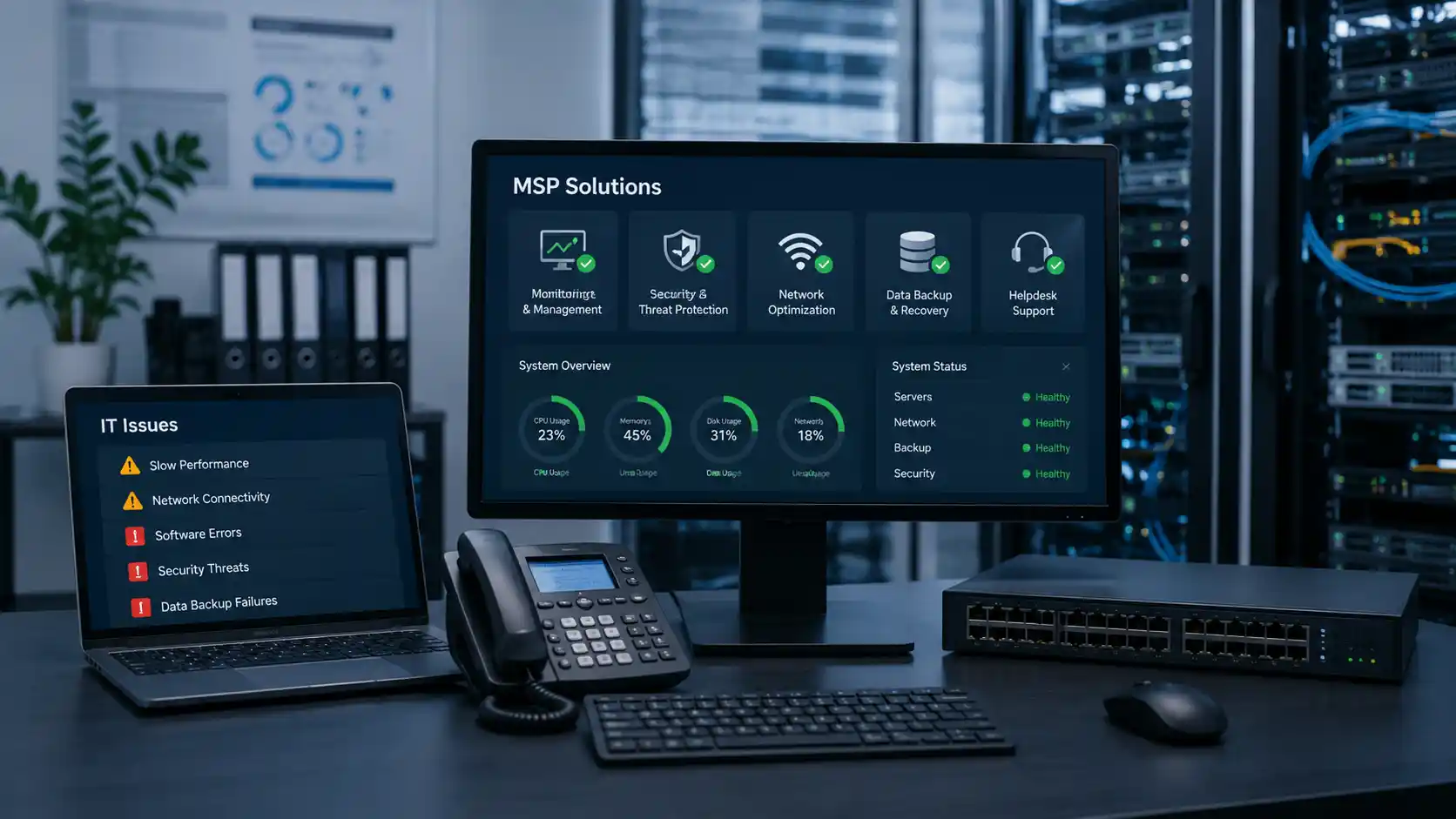
Technology is now woven into almost every part of running a small or medium-sized business, and many of these systems are affected by common IT issues. Emails carry important conversations, cloud platforms store documents, payment systems process transactions, websites attract customers and business applications keep daily operations moving.
When these systems work properly, they can make a business faster, more productive and easier to manage. When they do not, even a seemingly minor technical issue can quickly become a costly interruption.
A slow internet connection might delay customer service. An employee locked out of an account may lose hours of productive time. A failed backup could leave important business information permanently unavailable. Meanwhile, an unpatched application or poorly protected email account may create an opportunity for cyber criminals.
Recent business data found that just over one in five businesses experienced a cyber security incident during the 2024–25 financial year. Among organisations adversely affected, the reported consequences included lost time, financial losses, service downtime and reduced staff productivity.
For many small and medium businesses, the difficulty is not recognising that technology matters. The challenge is maintaining an increasingly complex IT environment without a large internal technology department.
This is where managed service providers, commonly known as MSPs, can play an important role. Rather than waiting for something to break, an MSP helps monitor, maintain and support the systems a business depends on.
Businesses looking for a practical and reliable approach to IT support often turn to providers such as ICTechnology. Rather than navigating multiple pages to understand what a provider offers, many organisations prefer a clear, cohesive view of how services come together to support their day-to-day operations. ICTechnology presents its capabilities in a way that helps businesses quickly understand how tailored solutions can address specific challenges, from improving system reliability to strengthening security and supporting growth. By focusing on practical outcomes and consistent support, it aims to give SMBs confidence that their technology is being managed by a team that understands both the technical and operational sides of running a business.
Here are some of the most common IT issues MSPs solve for SMBs.
Slow Networks and Unreliable Internet Connections
Few technology problems frustrate employees faster than a slow network.
Files take too long to open, cloud applications stop responding, video meetings freeze and phone calls delivered through internet-based systems lose quality. One slow connection may appear to be a minor inconvenience, but when the issue affects several employees throughout the day, the productivity loss can become significant.
Network problems can have many causes. A business may be using outdated switches, incorrectly positioned wireless access points, overloaded equipment or an internet service that no longer suits its requirements. Poor cabling, interference and incorrectly configured network devices can also affect performance.
An MSP can investigate the entire network rather than simply restarting the modem and hoping the problem disappears. This may involve reviewing internet usage, testing wireless coverage, checking network hardware and identifying devices or applications consuming excessive bandwidth.
The provider can then recommend improvements based on how the business actually operates. This might include upgrading network equipment, separating different types of traffic, improving Wi-Fi coverage or arranging a more suitable internet service.
Reliable connectivity is not just an IT concern. It directly affects communication, customer service and employees’ ability to complete their work.
Cyber Security Vulnerabilities
Small businesses are not too small to attract the attention of cyber criminals.
They may hold customer records, financial information, employee details, login credentials and access to larger suppliers or partners. At the same time, they may have fewer security controls and limited internal expertise, making them an appealing target.
Common weaknesses include reused passwords, accounts without multi-factor authentication;, outdated software, excessive administrator access and devices that are not properly monitored. Phishing emails also remain a major concern because attackers frequently target employees rather than attempting to overcome technical security controls directly.
Cyber security authorities recommend that small businesses begin with three fundamental measures: enabling multi-factor authentication, updating software and regularly backing up information..
An MSP can help put these protections into practice. Depending on the business, this may include configuring security tools, applying software updates, protecting email accounts, reviewing user permissions, managing endpoint protection and monitoring systems for suspicious activity.
An MSP can also help establish a response process for security incidents. When an employee clicks a suspicious link or an account behaves unusually, the business needs to know who should investigate, what systems may be affected and how quickly action should be taken.
The objective is not to claim that every incident can be prevented. No security measure can remove all risk. The aim is to make attacks more difficult, detect problems sooner and reduce the potential damage.
Software Problems and Failed Updates
Business software does not always behave as expected.
Programs may crash after an update, integrations can stop exchanging information and applications may become incompatible with older operating systems. Employees sometimes develop temporary workarounds, but these often create further problems and may introduce security or data-management risks.
Software updates are particularly important because they often address known vulnerabilities. Current security guidance recommends applying critical patches quickly, particularly when a vulnerability is being actively exploited.
However, updates also need to be managed carefully. Installing a change without checking compatibility may interrupt an important business application or cause older hardware to stop working correctly.
MSPs help businesses manage this balance. They can maintain an inventory of devices and applications, schedule updates outside important working periods and investigate compatibility concerns before changes are introduced widely.
When software problems occur, employees also have a clear support channel rather than searching online, repeatedly reinstalling programs or asking the most technically confident person in the office to solve the issue.
Data Backup and Recovery Failures
Many businesses assume their information is being backed up simply because it is stored in the cloud. Unfortunately, cloud storage and backup are not always the same thing.
A synchronised folder may also synchronise an accidental deletion. Files affected by ransomware may be copied across connected devices. A former employee may remove information before leaving, or a software error may corrupt an important database.
The real question is not merely whether a backup exists. It is whether the business can restore the correct information within an acceptable timeframe.
MSPs can establish structured backup processes covering files, servers, cloud services, databases and other critical systems. They can also monitor backup jobs, investigate failures and test whether information can actually be recovered.
Regular backups are recognised as an important part of maintaining operations following incidents such as ransomware attacks.
Recovery planning should also consider the order in which systems need to return. Restoring payroll, customer communications or a line-of-business application may be more urgent than recovering an archived folder.
By defining these priorities before an incident occurs, a business can respond more calmly and reduce unnecessary downtime.
Email, Password and Account Access Problems
Email and login issues are among the most frequent problems handled by IT support teams.
Employees forget passwords, multi-factor authentication stops working, shared mailboxes disappear and new team members are not given the correct access. Former employees may also retain access longer than they should if there is no structured offboarding process.
Each issue may appear small, but repeated access problems can consume a surprising amount of time. More importantly, poorly managed accounts can become a serious security concern.
An MSP can create consistent processes for setting up, changing and removing user access. New employees can receive the applications and permissions required for their role, while departing staff can be removed promptly.
Providers can also help businesses apply the principle of least privilege. This means employees receive access to the systems and information necessary for their work without automatically receiving broader administrative permissions.
Multi-factor authentication should be enabled wherever it is supported, particularly for email accounts, because it adds another barrier against unauthorised access (ASD, 2024).
Good account management improves both security and the employee experience. People can begin working sooner, access the correct resources and receive help when authentication problems arise.
Ageing Hardware and Unexpected Device Failures
Computers, servers and network devices do not last forever.
Older equipment often becomes slower, less reliable and more expensive to support. It may no longer receive security updates or may be unable to run current software effectively. Eventually, a device that has been “working well enough” may fail at the worst possible time.
MSPs can track the age, warranty status and condition of business technology. This gives decision-makers time to budget for replacements rather than making urgent purchases after a failure.
A planned hardware lifecycle also helps businesses standardise equipment. Supporting ten different laptop models with different operating systems and software versions is generally more difficult than managing a consistent fleet.
An MSP can recommend devices based on business needs rather than simply selecting the cheapest available option. Employees using design programs, large spreadsheets or specialised applications may require different specifications from team members who mainly use email and web-based tools.
Proactive planning reduces surprises and helps ensure technology remains fit for purpose.
Cloud Services That Are Poorly Configured
Cloud platforms have made powerful business tools accessible to organisations of almost every size. However, simply purchasing cloud subscriptions does not guarantee that they are configured securely or used efficiently.
Businesses may pay for licences that nobody uses, store files in inconsistent locations or give employees unnecessary access. Security settings may remain at their defaults, and important retention or backup requirements may not have been considered.
MSPs can review the way cloud services are configured and used. They may identify redundant licences, improve folder structures, strengthen security settings and help employees use collaboration tools more effectively.
Cloud guidance for small businesses highlights the importance of regular backups, restricted privileged access and properly maintained operating systems and applications.
A well-managed cloud environment should make work simpler. Employees should know where information belongs, how it can be shared and what protections apply to it.
Limited IT Planning and Reactive Support
One of the biggest technology problems for SMBs is not a particular device or application. It is the absence of a clear IT plan.
When technology decisions are made only after something breaks, the business may end up with disconnected systems, inconsistent security controls and unexpected expenses. Equipment is replaced in a hurry, subscriptions accumulate and temporary solutions quietly become permanent.
An MSP can help the business move from reactive troubleshooting towards planned technology management.
This may involve documenting the existing environment, identifying risks, reviewing upcoming business needs and developing a practical improvement roadmap. The roadmap could cover hardware replacements, security priorities, cloud adoption, office expansions or support for a growing workforce.
The Essential Eight provides a recognised baseline of mitigation strategies designed to make systems more difficult for adversaries to compromise. While not every organisation will implement each measure in the same way, frameworks like this can help guide more structured security planning.
The benefit of an IT roadmap is not technology for technology’s sake. It is better decision-making. The business can invest in improvements that support its goals rather than responding to one emergency after another.
How ICTechnology Helps SMBs Resolve Everyday IT Challenges
For many small and medium businesses, IT support is often only considered when something goes wrong. However, the most effective approach to technology management is proactive rather than reactive.
ICTechnology helps small and medium businesses manage the recurring technology issues that can interrupt productivity, weaken security and create unnecessary operational costs.
This can include network optimisation, cyber security support, backup management, cloud services, device monitoring and ongoing technical assistance. Instead of treating each problem as an isolated incident, ICTechnology can review how different parts of the IT environment work together.
For example, an unreliable application may be connected to an ageing computer, a slow network or an incorrectly configured cloud service. Addressing only the visible symptom may provide temporary relief without resolving the underlying cause.
Ongoing monitoring and maintenance can help identify warning signs before they become serious disruptions. Businesses also gain access to a support team that can respond when employees need help, systems fail or security concerns arise.
The role of a managed service provider is not simply to repair computers. It is to help create a more reliable, secure and manageable technology environment that supports the organisation’s daily work and future plans.
Reliable IT Creates Room for Business Growth
Technology issues are inevitable, but repeated disruptions do not have to become a normal part of doing business.
Slow networks, failed backups, outdated software and poorly managed accounts all consume time that could be spent serving customers, supporting employees and growing the organisation. They also create risks that may be difficult to recognise until a serious incident occurs.
Working with an MSP gives SMBs a way to address these issues more consistently. Rather than relying on temporary fixes, businesses can introduce monitoring, maintenance, security controls and long-term planning.
The result is not simply fewer support tickets. It is greater confidence that essential systems are protected, maintained and ready to support the business.
When everyday IT problems are taking attention away from more important priorities, starting a conversation with the ICTechnology team can help identify practical opportunities to improve reliability, security and performance.
Because when your IT just works, your business can too.
Interested in a Quote and Consultation? Reach out to:
[email protected]
Need Managed Service Providers? Please reach out!
[email protected]
Any other enquiries?
Fill out our Contact Form here.
References
Australian Bureau of Statistics. (2026, June 25). Characteristics of Australian business, 2024–25 financial year. https://www.abs.gov.au/statistics/industry/technology-and-innovation/characteristics-australian-business/latest-release
Australian Signals Directorate. (n.d.-a). Small business cloud security guides. Cyber.gov.au. Retrieved July 24, 2026, from https://www.cyber.gov.au/business-government/small-business-cyber-security/small-business-hub/small-business-cloud-security-guides
Australian Signals Directorate. (n.d.-b). Essential Eight. Cyber.gov.au. Retrieved July 24, 2026, from https://www.cyber.gov.au/business-government/asds-cyber-security-frameworks/essential-eight
Australian Signals Directorate. (2023, June 16). Small business cyber security guide. Cyber.gov.au. https://www.cyber.gov.au/business-government/small-business-cyber-security/small-business-hub/small-business-cyber-security-guide
Australian Signals Directorate. (2024, January 17). Practical cyber security tips for business leaders. Cyber.gov.au. https://www.cyber.gov.au/business-government/protecting-business-leaders/cyber-security-for-business-leaders/practical-cyber-security-tips-for-business-leaders
Australian Signals Directorate. (2026, June 9). Guidelines for system management. Cyber.gov.au. https://www.cyber.gov.au/business-government/asds-cyber-security-frameworks/ism/cyber-security-guidelines/guidelines-for-system-management
Office of the Australian Information Commissioner. (2025, May 13). OAIC statistics show record year for data breaches. https://www.oaic.gov.au/news/media-centre/oaic-stats-show-record-year-for-data-breaches