How retail businesses can reduce IT downtime during their busiest trading periods
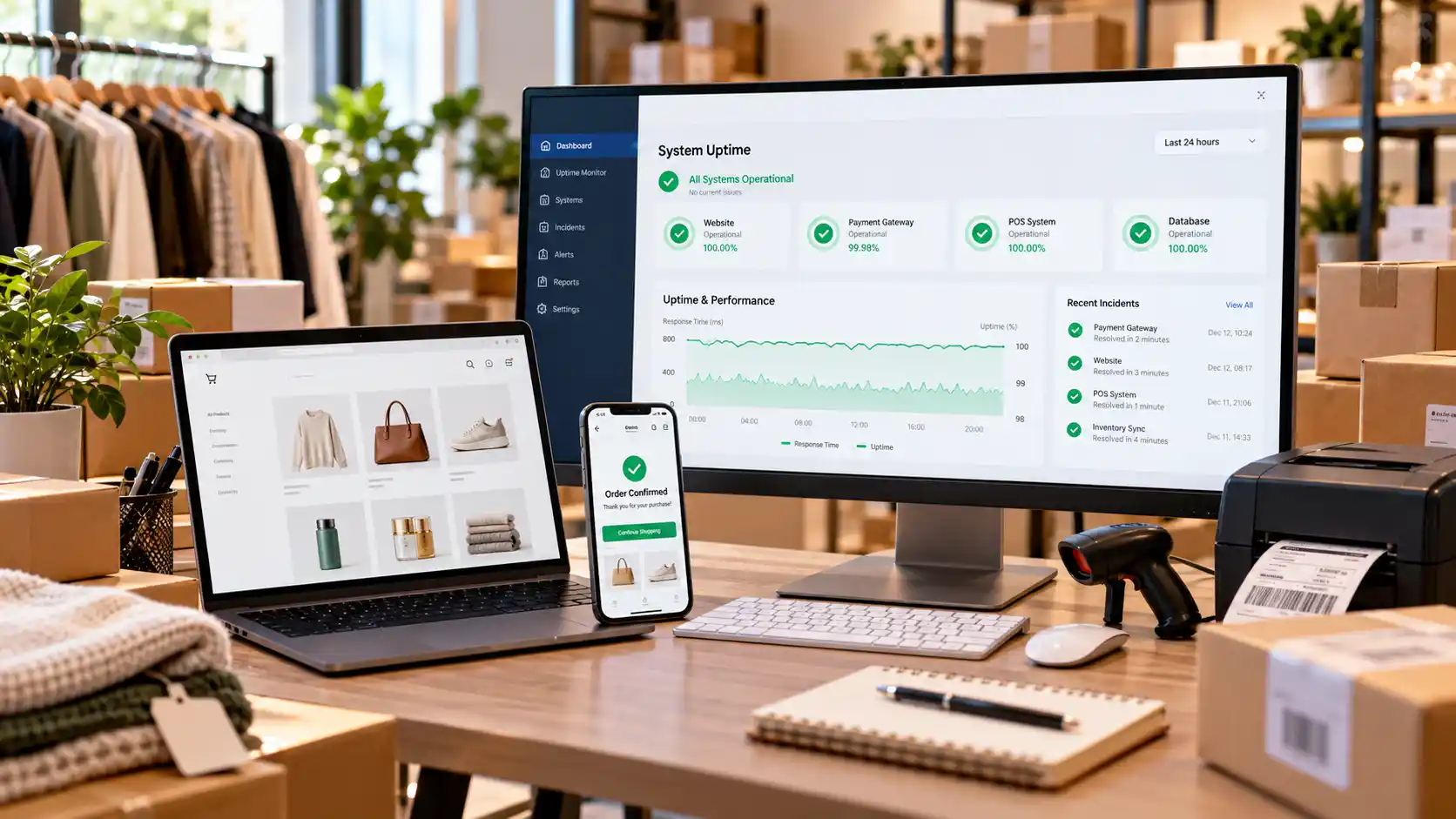
It is the Saturday of a major sale. The queue reaches the door, and then the card terminals stop responding. Within minutes, staff are apologising, shoppers are leaving baskets on the counter, and the best trading day of the quarter is slipping away.
Retail IT downtime is rarely dramatic, but it is costly, and it tends to strike when stores are under the most pressure. With 24% of all retail spend now made online, systems must cope in store and online at once. This guide explains where problems start and how to prepare, whether you run one shop or ten.
Key takeaways
- Retail IT downtime costs more in peak periods because every minute of an outage lands on your highest-volume trading hours.
- POS system reliability depends on the whole chain: internet, Wi-Fi, payment terminals, software and power, not just the till.
- Proactive IT monitoring spots warning signs, such as full storage or failing backups, before customers notice.
- Data backup and recovery only protects you if restores are tested. A backup that has never been restored is an assumption.
- Business continuity planning gives staff a clear fallback, such as a second internet connection and an offline payment routine.
- Managed IT support for retail combines monitoring with fast help, which matters when there is no time to troubleshoot.
Why peak trading periods put retail technology under pressure
Peak periods such as Black Friday, Christmas and end-of-year sales push every system harder at once. More shoppers mean more card payments, stock lookups, online orders and staff logins.
Timing also removes your margin for error. A fault on a slow Tuesday is an annoyance. The same fault on a peak Saturday means lost sales, stressed staff and customers who may not come back. Many stores now link tills, online shops and stock systems, so one failure can spread quickly. This is why integrated networks that reduce downtime are worth understanding before the rush, not during it.
Where retail IT downtime usually starts
Most outages trace back to a handful of predictable weak points. The table below shows what each one looks like at the counter and how to reduce the risk.
| Weak point | What customers see | Proactive fix |
| Internet connection | Card payments fail, online orders stall | Backup connection with automatic failover, line monitoring |
| Payment terminals | “Offline” messages and growing queues | Spare terminals, a tested offline payment routine |
| POS software and devices | Slow tills, crashes, wrong prices | Updates scheduled outside trading hours, spare devices |
| Wi-Fi and network | Handheld scanners and tablets drop out | Business-grade network designed around the store layout |
| Data and servers | Missing stock or customer records | Monitored storage, tested backups |
| Cyber incidents | Locked systems, ransom demands | Patching, endpoint protection, staff awareness |
Common retail failure points and how to reduce the risk
Wi-Fi is the one most often overlooked. Business Wi-Fi is built differently from home Wi-Fi, and a Wi-Fi site survey shows where signal drops before a busy day exposes it. Security matters as well, because endpoint protection and knowing how hackers target businesses protect the devices your POS system relies on.
What downtime really costs a retail business
Lost sales are only the first cost. Staff time, refunds and customer goodwill follow. The scale can be wide: when a nationwide telecommunications outage hit in November 2023, about 10 million customers and roughly 400,000 businesses were affected, and many businesses could not process card payments.
Cyber incidents add another layer. The Annual Cyber Threat Report 2024-25 from the national cyber security agency put the average self-reported cost of cybercrime for small businesses at about $56,600 per report, up 14% on the previous year. Deadlines raise the stakes further, as shown by the cost of IT downtime at year-end in other industries.
Data backup and recovery: your safety net when something breaks
Data backup and recovery lets a retailer restore sales records, stock data, customer details and system settings after a hardware failure, ransomware or human error. Backups can still let you down. The common causes are covered in why backups fail: wrong files excluded, default settings left unchanged and restores never tested.
Official guidance backs a simple approach. The national cyber security agency advises small businesses to back up their information regularly. The 3-2-1 backup rule helps: keep three copies of your data, on two types of storage, with one copy offsite. Then decide how quickly each system must return, because tills matter more than the staff photo archive.
Business continuity planning for peak season
Business continuity planning means writing down what you will do when systems fail, before they do. The government’s guide to protecting your business notes that an emergency plan identifies risks to critical parts of a business and recommends backing up and securing data. A practical plan lists your critical systems, who owns each one, supplier and support numbers, and manual fallbacks such as mobile card readers and a cash float. Our overview of the role of an MSP in business continuity shows how an outside partner can strengthen it.
A timeline keeps preparation realistic:
| When | Action | Why it matters |
| 8 weeks before | Review the plan, list critical systems, update contacts | Gaps are cheap to fix early |
| 6 weeks before | Apply updates, replace ageing devices, then freeze changes | Avoids new faults mid-peak |
| 4 weeks before | Test a backup restore and the failover connection | Proves recovery works |
| 2 weeks before | Run a till-failure drill with staff | Builds confidence under pressure |
| During peak | Watch monitoring alerts, keep support contacts handy | Speeds up response |
| After peak | Review incidents and update the plan | Improves every season |
A peak-season IT readiness timeline for retailers
An IT readiness checklist for peak periods is a useful companion, and so are tips for keeping your business secure over holiday weeks.
Why a proactive approach pays off
Break-fix support means calling for help after something fails. A proactive approach finds the fault first. Proactive IT monitoring watches devices, networks, storage and backup jobs continuously, then raises an alert when something drifts, such as a server nearing capacity or a backup that did not complete. Remote monitoring to prevent IT downtime explains how this works in practice.
The same thinking applies to maintenance, updates and ageing hardware. Managed IT services are often more cost-effective than break-fix, partly because common IT issues get resolved before they reach the shop floor. With cyber security threats also rising, waiting for a failure is the riskiest option.
How ICTechnology can help retailers stay trading
Knowing what to do is one thing; doing it while running a store is another. ICTechnology provides small business IT support that includes proactive management, helpdesk assistance and onsite or remote help, so problems are handled before they interrupt trade.
Its data backup service covers cloud, offsite and onsite options, with backup and recovery managed on your behalf, and its disaster data recovery service helps restore operations quickly. Monitoring covers devices, networks and backup status around the clock. With 382 clients and more than 95,000 resolved tickets. You can read more about ICTechnology or see why businesses choose ICTechnology.
Frequently asked questions
What is retail IT downtime?
Retail IT downtime is any period when a store’s technology, such as the internet, payment terminals, POS system or website, is unavailable or too slow to use. It stops or slows sales and can affect stock accuracy, customer experience and staff productivity.
Why is business continuity planning important for retailers?
Business continuity planning lets a retailer keep trading, or recover quickly, when systems fail. It sets out backup systems, manual procedures and contacts in advance, so staff are not improvising during the busiest hours.
How can retailers improve POS system reliability?
Improve POS system reliability by securing a backup internet connection, keeping spare terminals, scheduling updates outside trading hours, using proactive IT monitoring and testing backups.
What are the risks of ignoring data backup and recovery?
Ignoring data backup and recovery risks permanently losing sales records, stock data and customer information after a failure or cyber attack. Recovery then takes longer, costs more and may be impossible.
When should a retailer seek professional IT support?
Seek professional IT support when outages recur, nobody owns IT day to day, backups have never been tested, or a peak period is approaching. Managed IT support for retail provides monitoring and quick help without a full in-house team.
Can ICTechnology help with retail IT downtime?
Yes. ICTechnology provides managed IT services, small business IT support, data backup, disaster recovery and monitoring, with onsite and remote assistance, to reduce downtime. Call 1300 123 428 or contact the team through the website.
Keeping the tills ringing when it matters
Peak periods reward stores that are prepared. Reliable connections, tested backups, proactive monitoring and a clear continuity plan turn a potential crisis into a short interruption.
Start early and test what you rely on. If you would like help, meet the ICTechnology team and start a conversation before your next busy season.
Interested in a quote and consultation? Reach out to: [email protected]
Need help with your retail IT? Please reach out! [email protected]
Any other enquiries? Fill out our contact form here.